
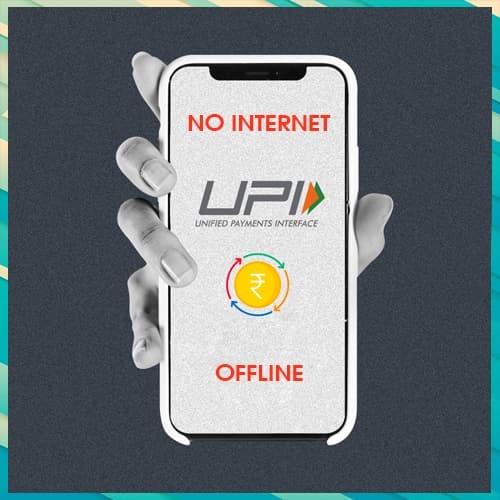
Now you don’t have to worry about internet connection while making UPI payments. The National Payments Corporation of India (NPCI) has innovated a technique to transfer money through UPI which does not need any mobile application.
The technology, named USSD 2.0 allows mobile users to send money using the calling option *99#. Sending and receiving interbank accounts to account cash, balance inquiries, and setting or changing UPI PIN are just a few of the fortes available through the *99# service. This service is currently available from 41 leading banks and all GSM service providers in 12 languages, including Hindi and English.
To transfer money using UPI, one must have a bank account with a member bank such as ICICI Bank, SBI, HDFC, PNB and others along with your mobile number registered with your bank account for verification purposes.
Here is the process of step-by-step transferring money using UPI without internet connectivity:
1: Dial *99# from your registered mobile number.
2: Choose your bank account.
3: After that, enter the last six digits of your debit card.
4: Now enter the expiry date of your debit card.
5: Confirm the UPI PIN. After that, you will be able to use this service on your mobile phone.
6: To transfer money, dial *99# from your registered mobile number.
7: To send money, press the 1 button and hit send.
8: Choose the option you want to use for transferring money. You can pick 1 for mobile number, 3 for UPI ID, 4 for saved beneficiary, and 5 for IFSC.
9: Now enter the amount you want to send and then type your UPI PIN.
You'll receive a message confirming the transfer's success after it's finished.