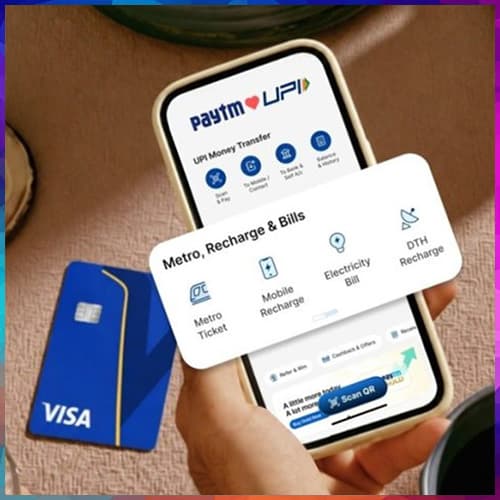

Paytm has introduced labels for Paytm UPI automatic payments to simplify the identification and management of recurring payments on the Paytm app.
As subscription-based services and recurring billing continue to grow, multiple Paytm UPI automatic payments are often linked to a single merchant for different services. Payments processed through aggregators such as app stores may include subscriptions for streaming, cloud storage, and other services under one merchant name, making it difficult to distinguish between individual payments. For example, for an Android user, different subscriptions of say Google One, Youtube Premium, Chat GPT might all be listed as subscription payment to “Playstore”. This makes it difficult to recall later why a particular payment is being deducted, especially for users who have multiple subscriptions.
Addressing this, Paytm now enables the addition of custom
Paytm spokesperson said, “Labels for Paytm UPI automatic payments enhance clarity and control by enabling easy identification of recurring payments. As subscription-based payments grow, this helps in managing multiple mandates more efficiently.”
How to Add a Label to Automati
● Open the Automa
● Select the opti
● Choose a sugges
● Save the label