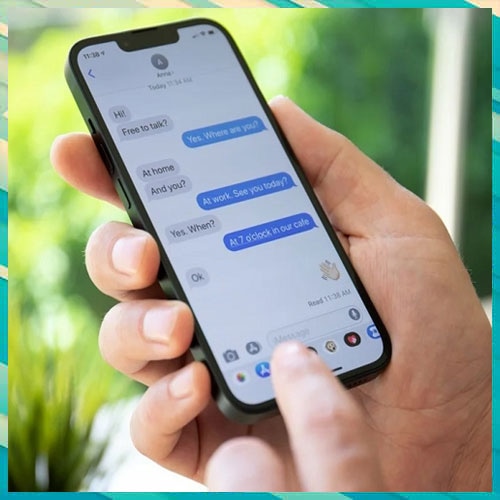
Using the Invisible Ink feature, users can send invisible messages to their friends who also have an Apple device. They can also animate the texts. The message will be scribbled out and remain hidden until the recipient taps and holds on to the message to reveal it.
Users can send an invisible message on an iPhone using iMessage by following the steps below:
- Open the iMessage app and start a new or existing conversation.
- Type your message or insert a photo or Memoji.
- ·As soon as you begin typing in the chat box, touch and hold the upward arrow button that appears.
- To preview different bubble effects, tap the gray dots.
- Then select the "Invisible Ink" option from the drop down.
- Tap the upward arrow button once again to send the message.
-
Users can also send messages with other effects, such as “Slam”, “Loud”, or “Gentle”, by selecting those options from the list. The iMessage app also offers a range of hidden features such as the Invisible Ink, handwritten notes, digital touch, and the built-in emoji keyboard to add personality to texts. iMessage can also be used to share photos, videos, locations, and more with your friends and family.