
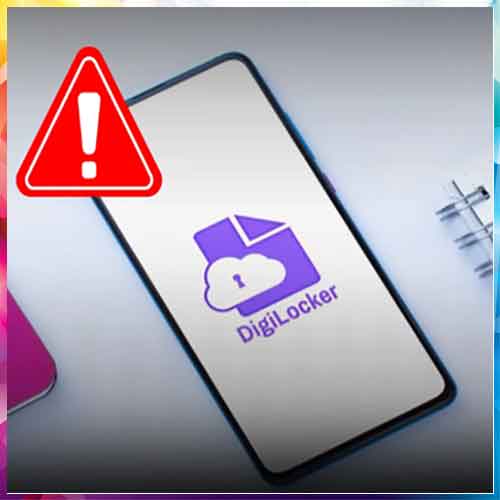
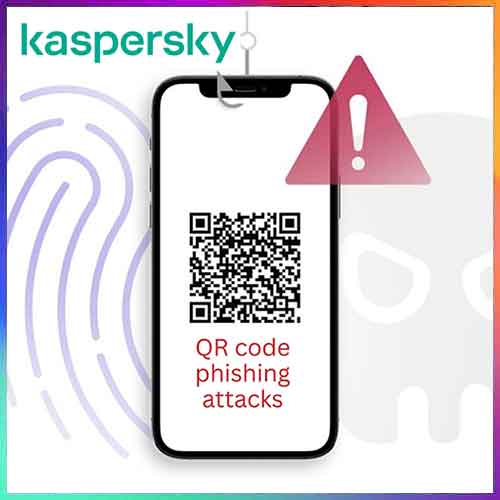
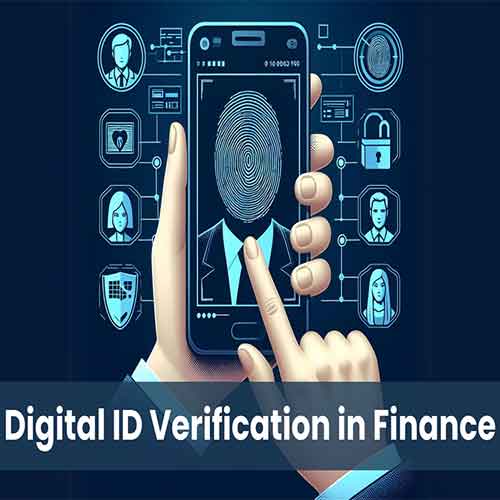
With the rise in digital identity usage, scammers are increasingly impersonating DigiLocker, India’s official digital document wallet, to steal personal and financial information.
Several fake apps, phishing links, and WhatsApp messages claiming to be from DigiLocker are circulating, making it critical for users to verify authenticity before logging in.
The only legitimate DigiLocker app is published by National eGovernance Division (NeGD), Government of India, and is available exclusively on the Google Play Store and Apple App Store.
Users should always check the developer name carefully—any app not issued by NeGD is fake.
The official app carries millions of downloads, regular updates, and strong user reviews.
DigiLocker never asks for OTPs, PINs, bank details, or payments via calls, SMS, WhatsApp, or email.
Any message claiming account suspension, urgent verification, or document expiry with clickable links should be treated as a scam.
Always access DigiLocker directly through the official app or the website digilocker.gov.in—and never through shared links.
Another key indicator is login behaviour.
DigiLocker authentication happens via Aadhaar or mobile number-based OTP, within the app or official website only.
It does not redirect users to third-party pages.
In case of doubt, users should report suspicious apps or messages to cybercrime.gov.in or DigiLocker’s official support channels.
The Bottom line is: Verify the source, avoid unsolicited links, and remember—DigiLocker does not proactively contact users.
Staying alert is the best defense against digital identity fraud.

See What’s Next in Tech With the Fast Forward Newsletter





Tweets From @varindiamag
Nothing to see here - yet
When they Tweet, their Tweets will show up here.