
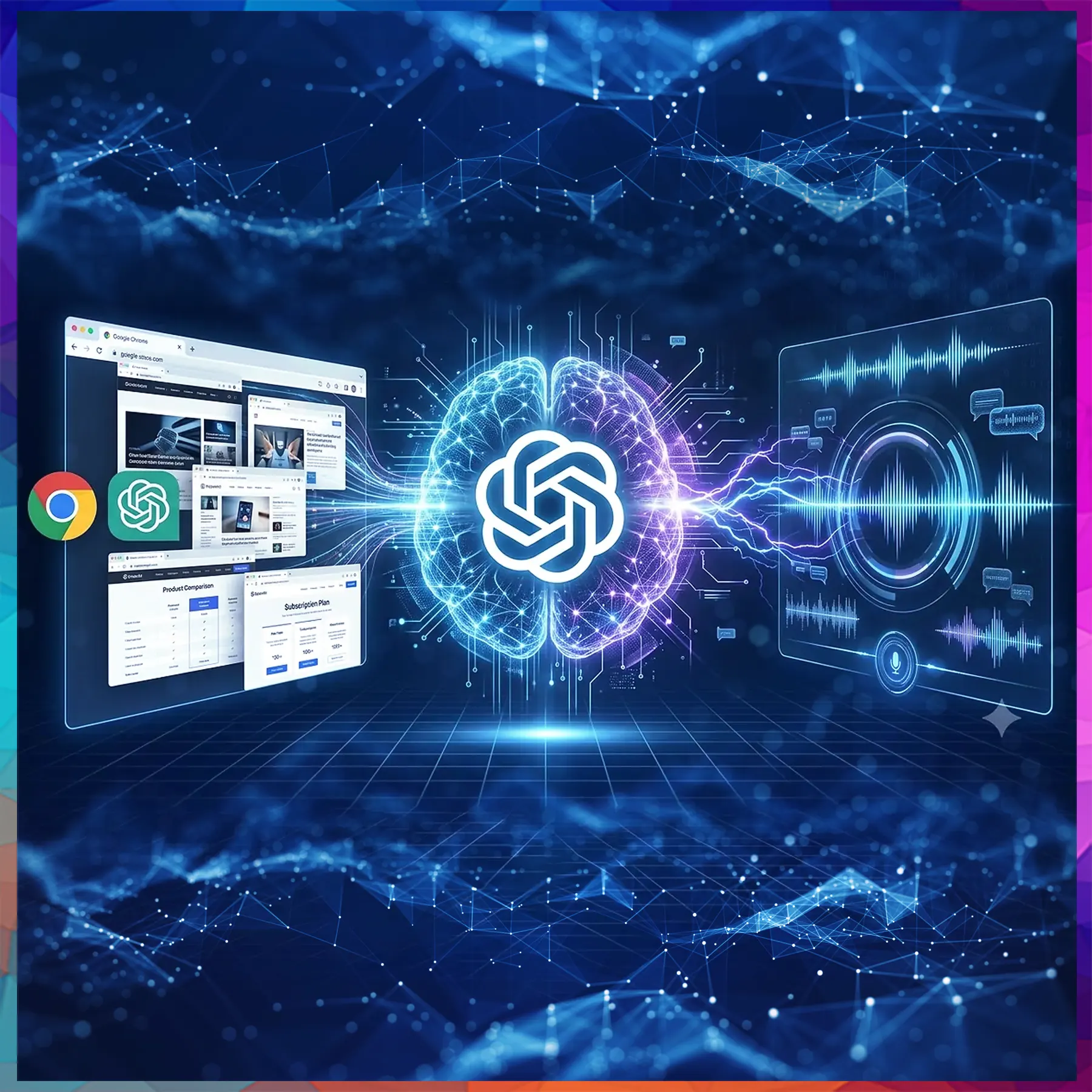
OpenAI has equipped ChatGPT with the ability to view, compare and act on pages open in Google Chrome, while a separate voice upgrade adds new voices and stronger support for Hindi and other languages.
OpenAI has rolled out an update that lets ChatGPT work directly inside the Google Chrome browser, turning the chatbot from a question-answering tool into something closer to a digital assistant. The company has also upgraded the voice abilities of its products, with wider language coverage that includes Hindi.
The new browser integration runs in two modes. In Chat mode, ChatGPT can scan the tabs a person already has open and pull out relevant details. A shopper weighing three sofas across different websites, for instance, could ask it to set them side by side on size, materials, delivery times and return rules. It can also simplify a dense article or line up subscription plans, saving users from flipping between windows.
Work mode goes further by letting the AI take control of the tabs itself. Users can ask it to complete lengthy online forms, write emails, send messages, download files and sort cluttered tabs into tidy groups. It can also gather information from several sites and present it in a simple comparison sheet.
Getting started requires the ChatGPT desktop app and OpenAI’s official Chrome extension, which is available from the Chrome Web Store and reportedly has about 7 million users. Users first switch on the “Computer Use” option in the desktop app’s settings, then install the extension. After that, they open a new chat in Work mode, type “@” to choose their browser and enter a command, such as asking the tool to review open tabs and compare phone prices. The feature also works with Microsoft Edge, Brave and Opera.
Security concerns remain
Giving an AI access to a browser carries risks, and security experts urge caution. Since the tool can read whatever appears on screen, users are advised to close sensitive tabs, including online banking and private work email, before letting ChatGPT take over.
OpenAI says the system asks for permission before it interacts with a new website or downloads a file. Even so, a small risk persists that malicious sites could try to manipulate the AI through so-called prompt injection. The safest approach is to use the feature only on websites a person fully trusts.
Voice gets an upgrade
Alongside the browser tools, OpenAI has announced GPT-Live-1.1, an update covering ChatGPT, Codex and Dots. It introduces 13 new voices and improves performance in several languages, among them Hindi, French, German, Mexican Spanish, Korean and Japanese.
The changes aim to make spoken conversations sound more natural for people who prefer to talk to the AI in languages other than English. According to OpenAI, the improved voice capabilities are rolling out to all users now and will reach developers soon.